Know what matters today
See your chores, their due dates and estimated minutes in one short view.
A little less to carry, together
A clear list for today, a turn for everyone, and one tap when it is done. Housekin brings everyday chores into one shared place.
For couples, families and people sharing a home.
Google Play release in preparationPlanned Android launch price: US$4.99, paid once.
No subscription. Local price and availability will be shown on Google Play when released.
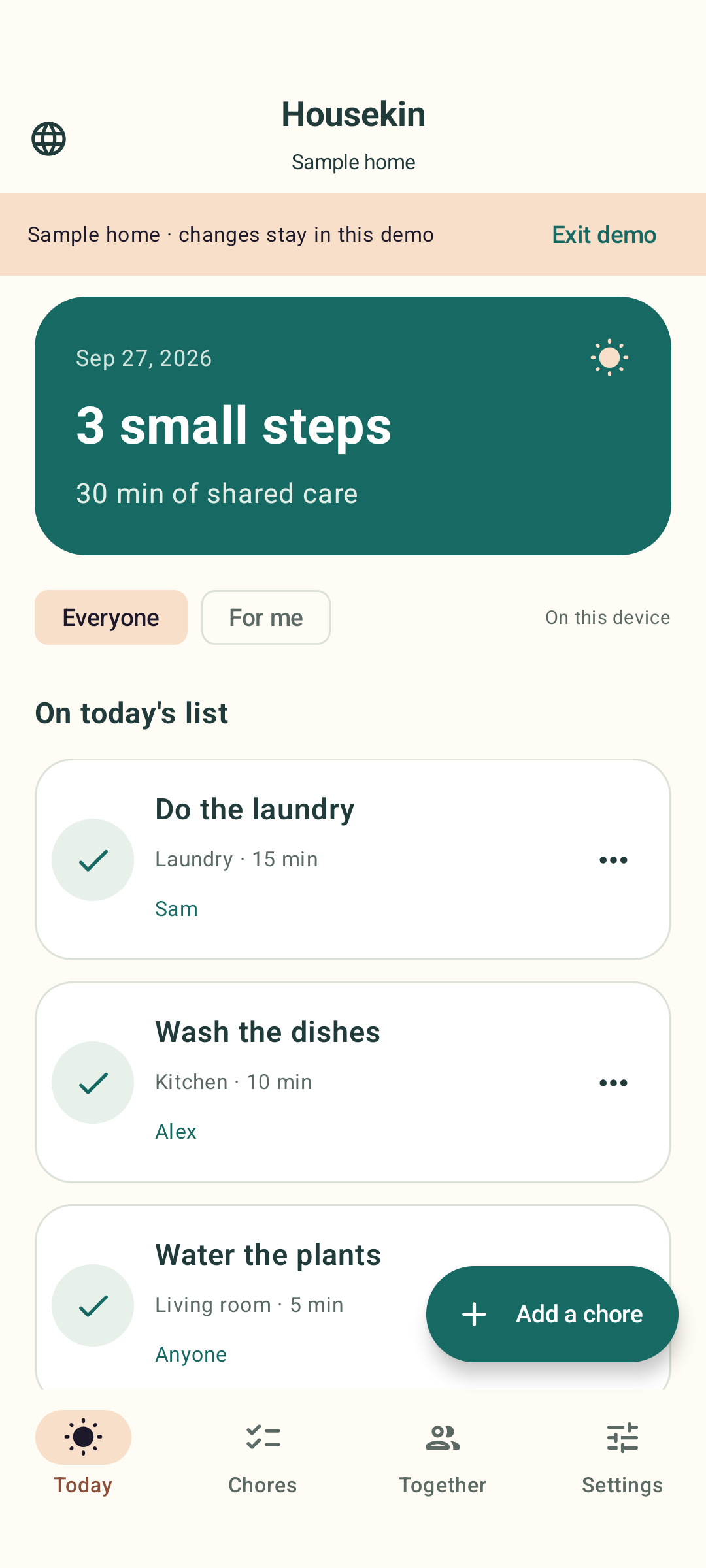
See your chores, their due dates and estimated minutes in one short view.
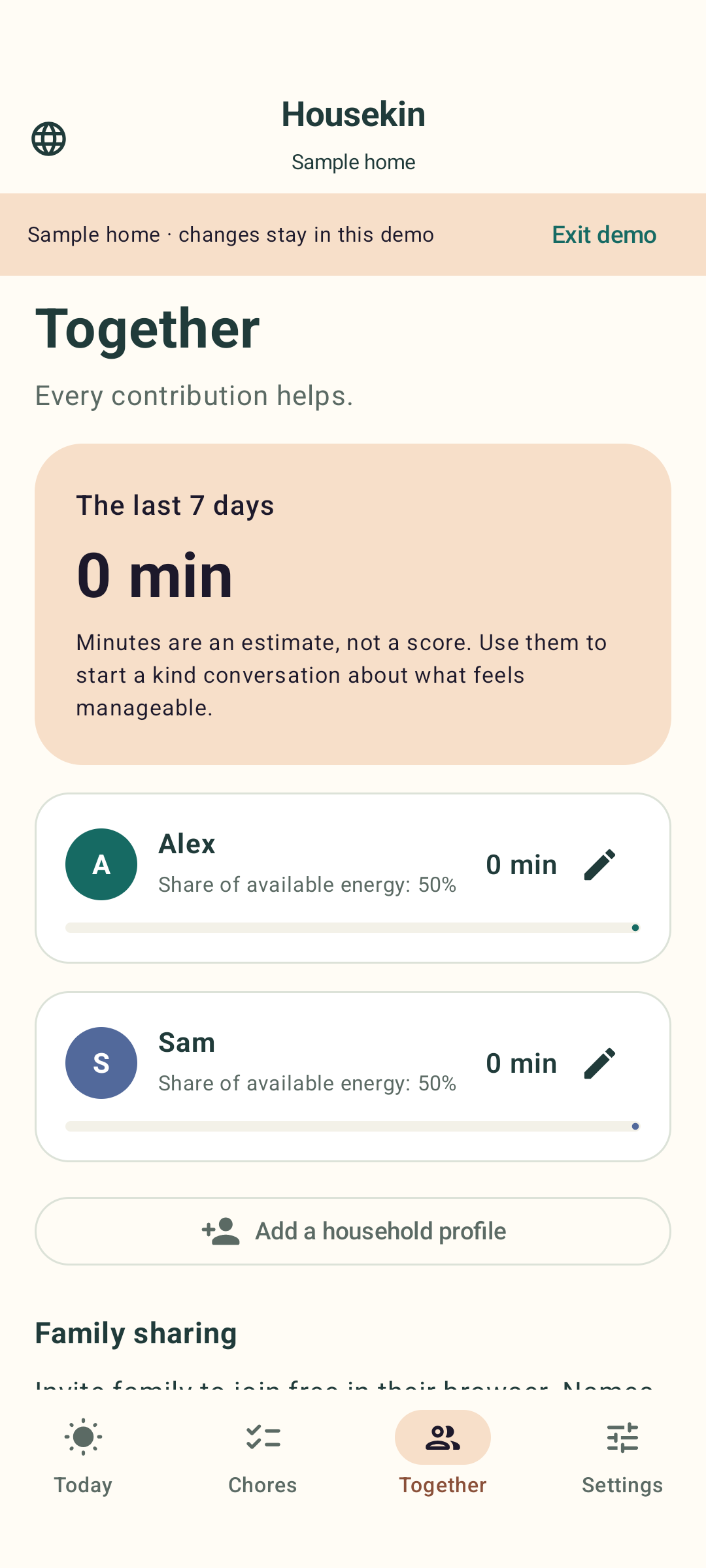
Rotate responsibility and compare effort with the capacity each person has.
Mark a chore done, see it in history, and undo an accidental completion.
How it works
Choose a few starter chores or add your own. Set rooms, people and a rhythm that fits.
Keep the Android app local, or explicitly enable cloud sharing and send an invitation.
Complete, postpone or adjust a chore. The next due date and rotating assignee follow your settings.
Open full-size image ↗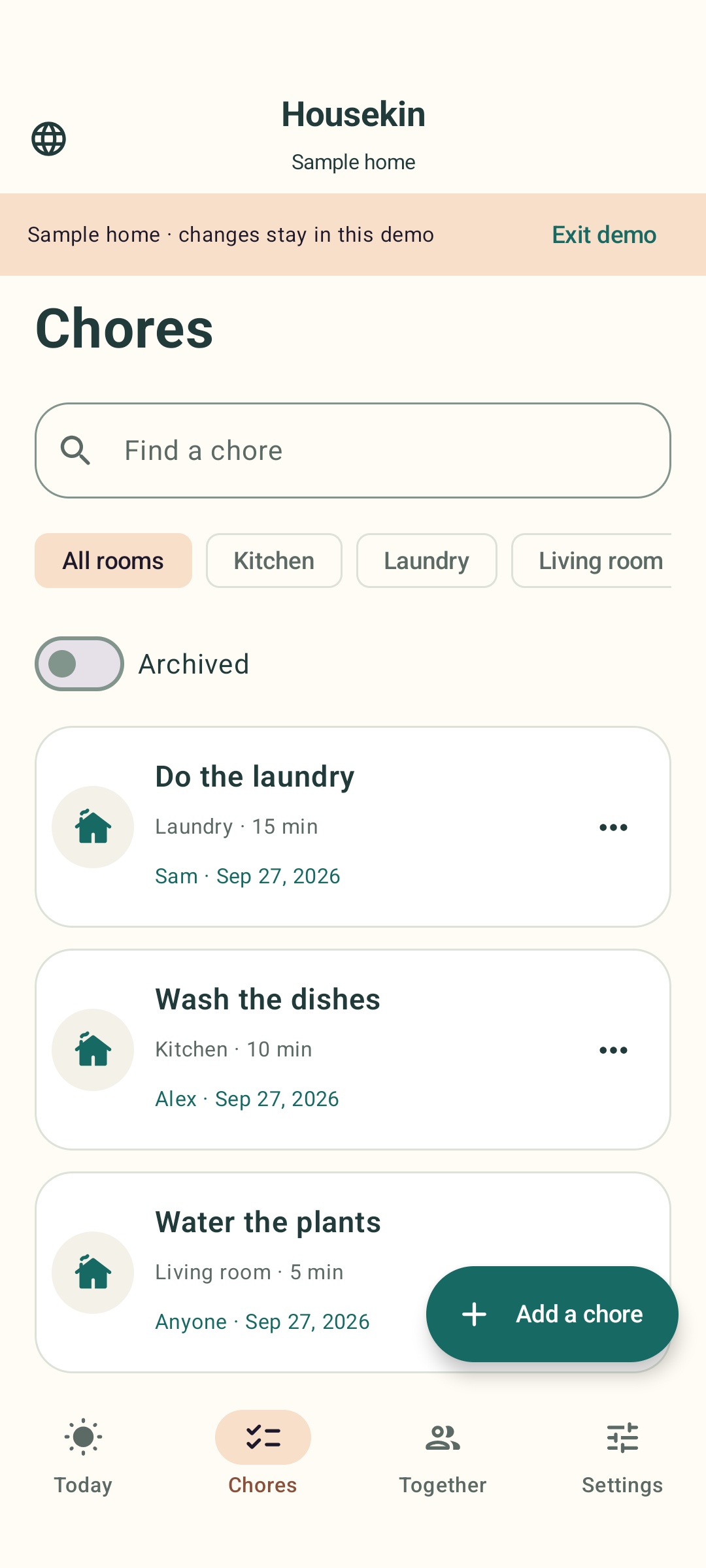 Open full-size image ↗
 Open full-size image ↗
Actual Housekin screens using a fictional example household. Screen language may differ from this page.
Housekin
Invited people join free in a browser on iPhone, Android, tablet or computer. They can view and update the shared chores without buying the Android app.
No email address or password is required to create or join a home. A name and private device access keep you connected.
Join an invited homeAlready invited? Open the free browser companion.
Yes. Manage names and chore assignments on one Android device, including profiles for people without a device.
The Android app saves work locally and queues shared changes for reconnection. Joining and sharing need internet. The browser companion needs a connection to make changes.
With “Remember this device” selected, your browser saves its private access token on this device. Turn it off to keep access only for the current session. Leaving clears this browser’s access; the owner can also revoke the device. Keep invitations private.
No. You can opt into a single daily reminder on Android, or keep reminders off.
Up to 12 members, 200 chores including archived chores, and 2,000 completion events. Older history may be compacted after 365 days when space is needed.
Start small. Share what helps. Adjust the rest together.
Questions about sharing, supported devices or your household data? Contact CairoPlus at info@cairo-plus.com.